Protect my Bookings (card on file)
Last updated:
🐾 For Tuft groomers ✍️ Sasha Chan, Marketing Manager 📅 7 April 2026. ⏱ 3 min read
That’s exactly what cards on file fixes.
What is card on file?
Card on file is a payment method that lets you securely store a client’s card and charge it later, without them needing to be present. In Tuft, clients save their card when paying their deposit through the app. You charge the balance from your dashboard when the groom’s done. One tap. Job done.
No terminal. No SMS payment link. No “I’ll sort it later” and then two weeks of silence.
Tuft groomers with deposit rules already see up to 81% fewer no-shows. Card on file takes that further, now you can collect the balance just as smoothly too.
How it works
When a client pays their deposit through the Tuft app, they’ll see an option to save their card for future payments. They tick the box and carry on as normal.
They tick the box to save their card. One-time setup, then they’re done.
That little icon tells you at a glance which clients have a card saved and ready to charge.
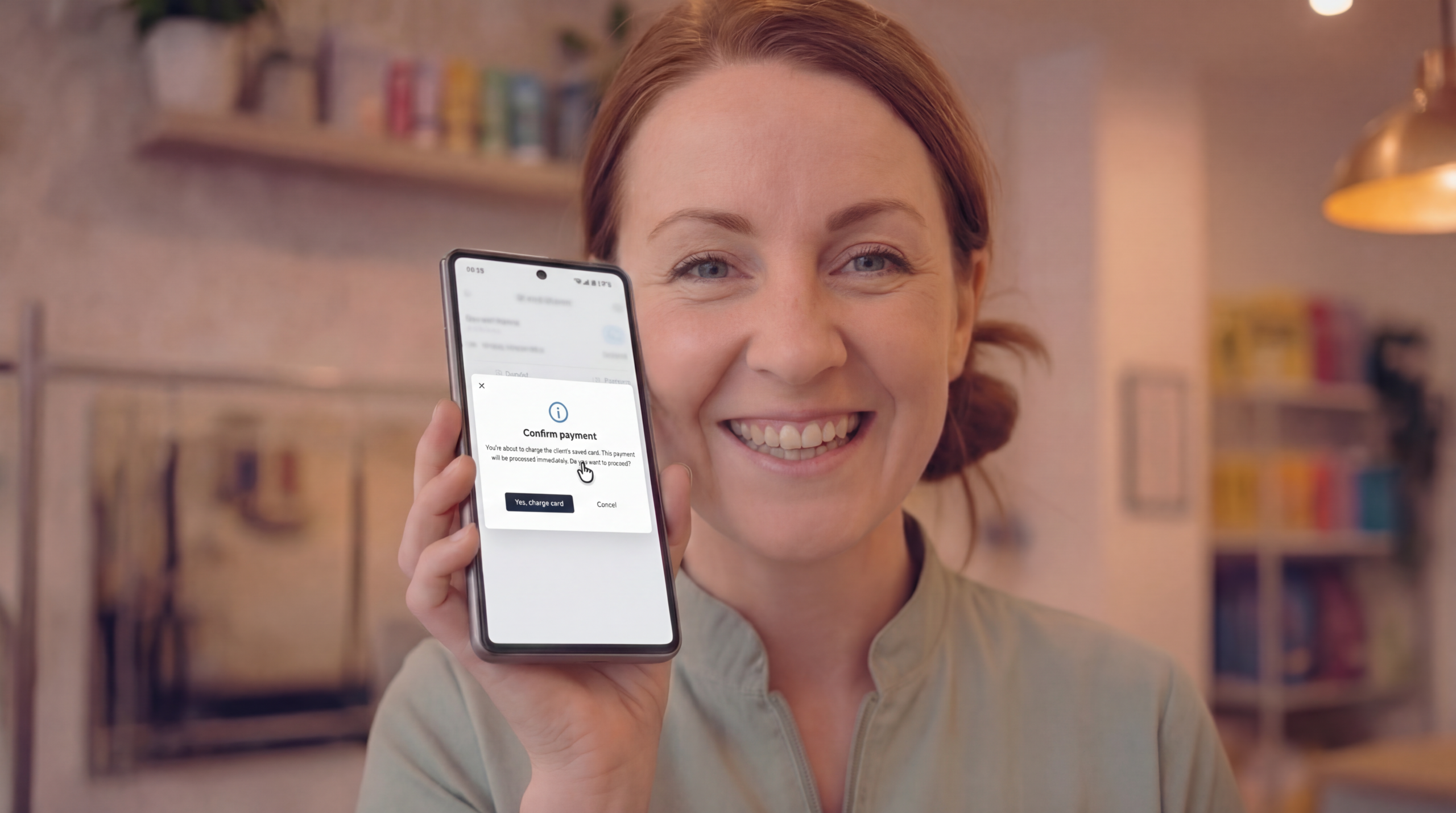
Select “Card on file” from the payment dropdown, enter the amount, and hit Charge.
Your client gets a push notification. You get on with your day.
The no-show game changer
Client no-showed?
Normally your options are: swallow the loss, send an awkward message asking for a fee they’ll probably argue about, or try to charge a deposit next time and hope they don’t just book elsewhere. With card on file, you just charge them. Politely, professionally, and without a single back-and-forth.
A few things worth knowing
Card on file is available on the day of the booking and the day after. Don’t miss the window for no-show charges.
Any single card on file charge needs to be at or below £150. For most grooming balances, that’s fine.
It works through Ryft. Card on file is available for clients who’ve paid via the Tuft app using Ryft. If a client usually pays by cash or SumUp, this won’t apply to them until they’ve made an app payment first.
Clients are always in control. They can manage or remove their saved card from their Tuft account settings at any time. If they want to cancel card on file with you specifically, you can remove it from their profile. Nobody’s locked in.
How to get started
You don’t need to set anything up. If you’re already connected to Ryft for online payments, card on file is ready to go. The next time a client books and pays a deposit through the app, they’ll see the option to save their card. From that point, the card icon will appear on their bookings automatically and you’ll be able to charge from the Finance tab.
If a client doesn’t have a card saved yet and you click the card on file option, it’ll let you know and explain how they can add one.
We recommend updating your Terms & Conditions
Before using card on file to charge no-show fees, make sure your terms and conditions clearly cover this. Here’s some suggested wording you can adapt:
Saved Card Payments
By saving your card through the Tuft app, you give consent for [Your Business Name] to charge your saved card for the outstanding balance of your appointment. This includes charges related to late cancellations and no-shows in line with our cancellation policy.
Saved card details are stored securely and handled in accordance with PCI DSS standards. You can remove your saved card at any time through the Tuft app.
⚠️ This is suggested wording only — please review with a legal professional if you’re unsure.